Workgroup Tags Tab


The Workgroup Tags page allows you (or any workgroup member) to select tags to add to the record that are available to your workgroup members. Selected tags appear in the Keywords area of a record and are only visible to the members of the workgroup. This allows workgroup members to refer easily and quickly to records using vocabulary that is familiar and meaningful to the group (e.g. as a group of researchers working collaboratively).
Note. The tags available for selection are added and maintained by the workgroup administrator. See Create Workgroup Tags.
To add/remove workgroup tags for a record
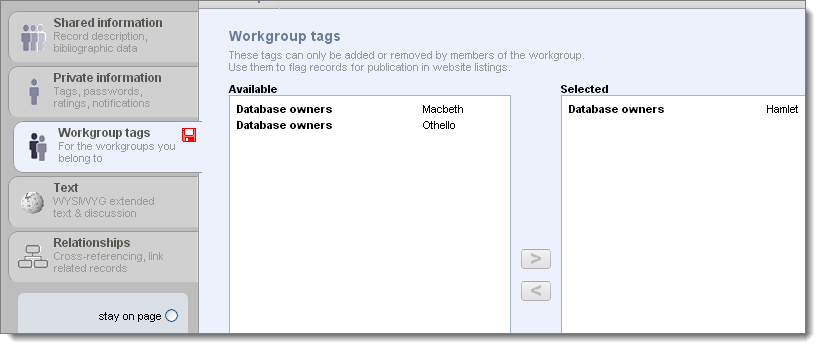
Note. For personal databases you will probably not be using workgroups, and there will be no workgroup tags listed under Available.
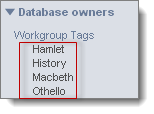
To view/search on workgroup tags
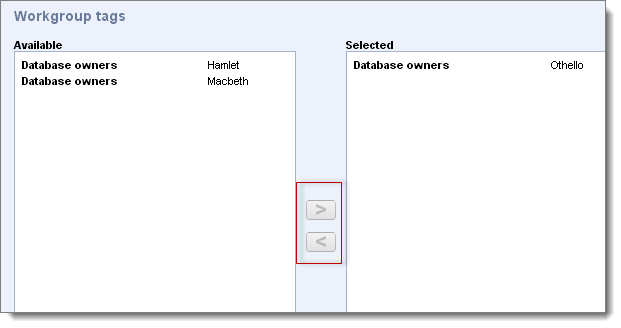
See Add Workgroup Tag.
Created with the Personal Edition of HelpNDoc: Free CHM Help documentation generator