To add a relationship marker
- From the Relationship Type dropdown, select the type of relationship you wish to create.
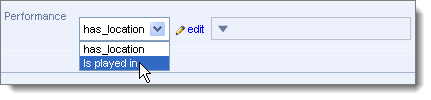
Note. These may be constrained to particular types relevant to this record type.
- From the Target Record dropdown, select the target record (see Find Record Dialog):

- Add additional fields, if required, by clicking Optional Fields:
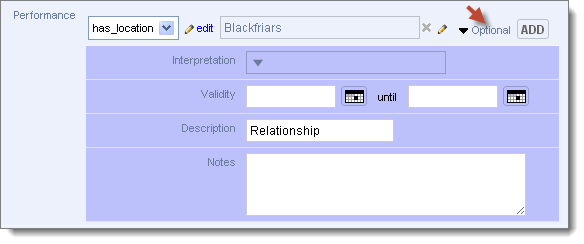
- Complete these fields as required (See Relationships tab for details).
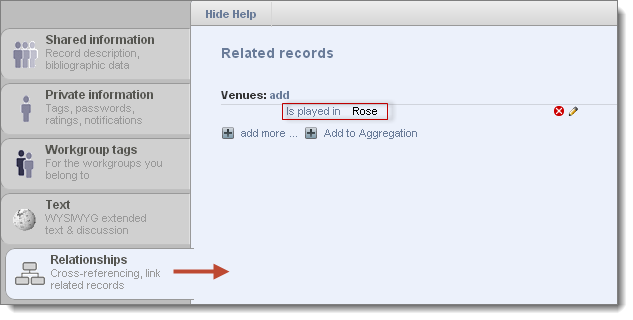
- When complete, click Add. The relationship marker field is updated with the relationship details. A new relationship record is created and is available from the Relationships tab:
Created with the Personal Edition of HelpNDoc: Free EPub producer


